
Looking at technical documentation, the images you expect to see there would mainly be product photos or drawings, infographics, screenshots, or diagrams, depending on the product documented. As those images are directly related to the product, you would need to produce this type of media by yourself or hire somebody to do it for you.
However, for e-learning resources, decorative images might also be appropriate—to set the mood or to emphasise learning content. E-learning resources are any learning resources that can be accessed through an electronic device, e.g., online resources. Whether a static website or an interactive course, they all need images. But where to get them and how to credit them?
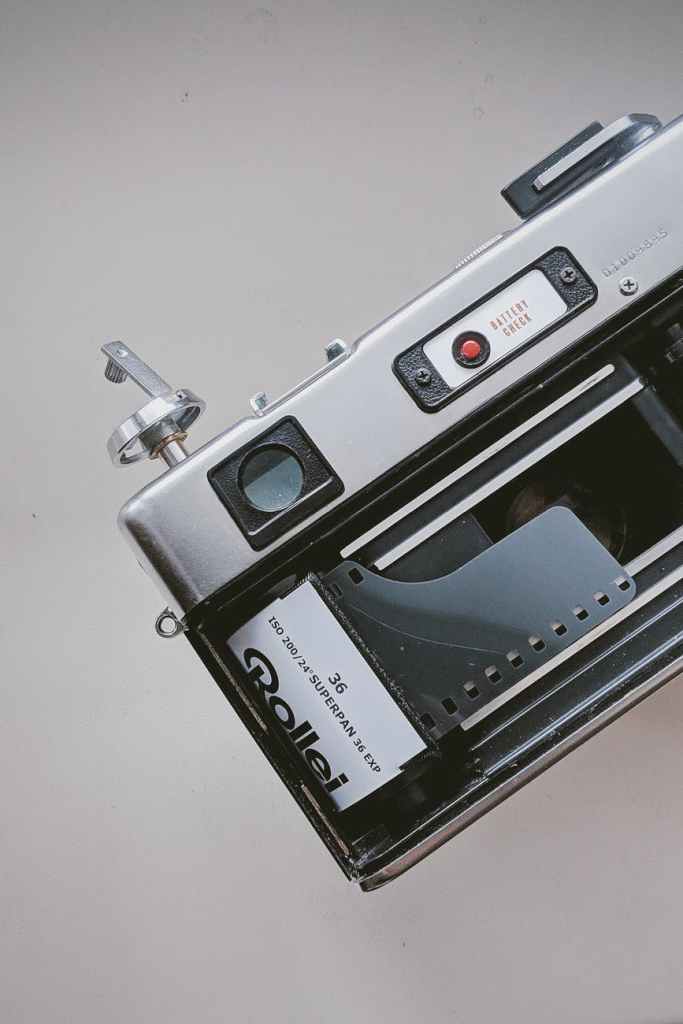
One option I came across while working on this blog is: to use the free stock photo provider Pexels.com.
The Berlin-based mature start-up offers stock photography that can be used without cost. The Pexels license allows you to use and modify their media for your products like blogs, websites, e-learning resources etc.
They also provide an API so that you could implement their media offer into your product—as WordPress does.
As for credits, Pexels would appreciate to name and link to them and to the photographer who contributed the image you are using. However, the license does not force you to do so. That means, you could use their media even without referencing it.
There certainly are use cases where crediting an image right next to it would not fit. However, make sure to look for a spot somewhere in your e-learning resource or technical communication product to reference the media you used.
After all, what is crediting other content creators (who support you with their media) versus having to create all that content by yourself?
 API docs and me
Unsplash seems to do the same as Pexels … –> https://unsplash.com/
LikeLike